

Build a repeatable character pipeline with Mixamo-compatible rigging, motion retargeting, and Uthana’s own API. Start with a compatible humanoid mesh, prepare its skeleton, apply motion, and export the result. Work in the web app or automate those steps inside your product, asset pipeline, or internal tools.
One character, from an unrigged mesh to a rigged and animated result.
Mixamo combines humanoid auto-rigging with a stock animation library. Uthana connects rigging to motion generation, retargeting, and API integration. Which fits depends on how you want to create animation and use it across characters.
If you need a Mixamo rigging alternative, start by separating two jobs: rigging prepares the character’s skeleton; retargeting applies animation to that skeleton. Uthana connects those steps with motion generation and export, so you can move from a static character to a performance in one workflow.
Mixamo-compatible describes Uthana’s default skeleton and its intended workflow compatibility. It does not mean that Uthana connects to Mixamo accounts or supplies Adobe’s animation library. Uthana is independent and is not affiliated with Adobe or Mixamo.
Upload a compatible FBX or GLB humanoid character. Use auto-rigging when it needs a skeleton, then apply the same short motion to different bodies through motion retargeting.
Review the rig overlay, joints, and movement on each character. Mesh geometry, proportions, rest pose, and skeleton suitability affect the result. Start with representative assets before scaling a workflow across a character collection.

The same source motion, retargeted by Uthana to two compatible character rigs.
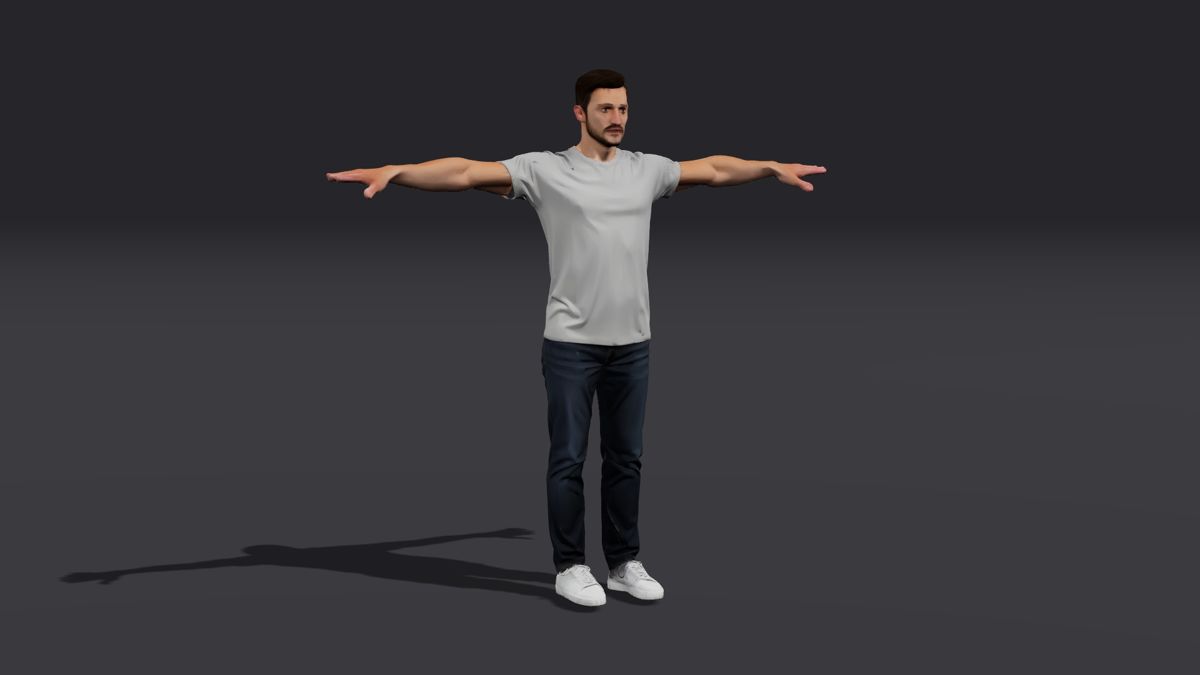
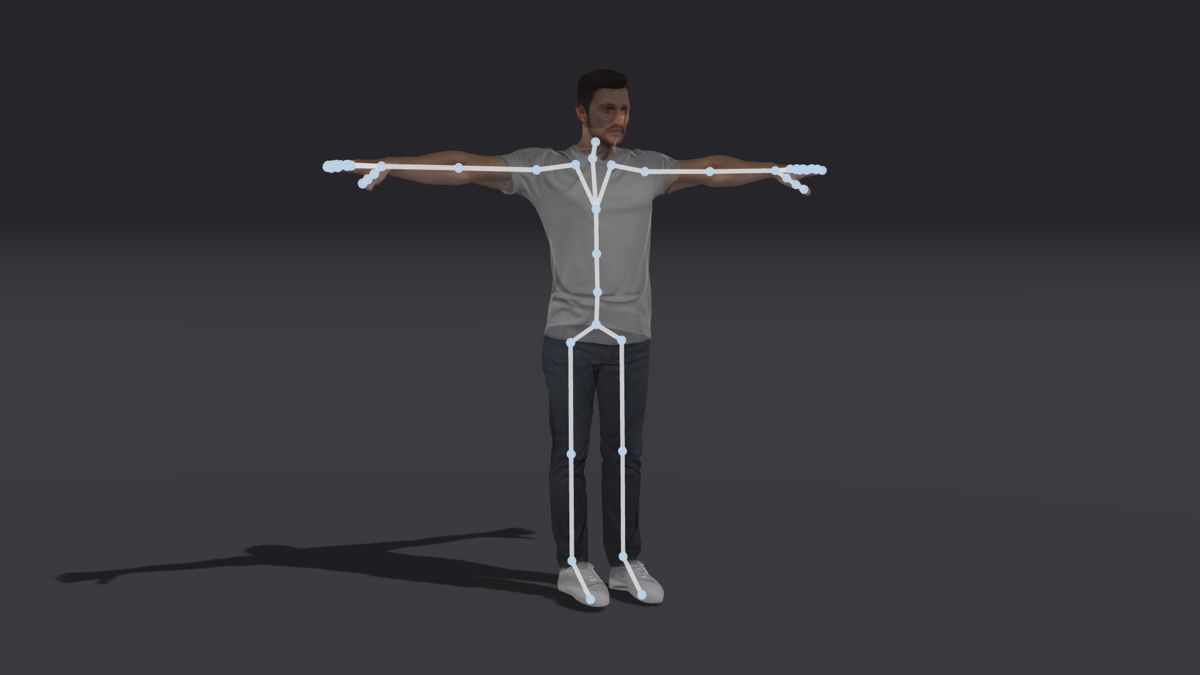
Looking for a Mixamo API to automate character preparation? Uthana offers its own documented API for that job. Authenticate with a Uthana API key, upload the character, and retain its character ID. Generate or select a motion, then download it for that character to apply retargeting.
The web app and API share one credit balance. Use the API quickstart, auto-rigging documentation, and retargeting documentation to plan the integration.
New accounts get $5 of free credit, enough to rig about 30 characters. After that, it’s pay as you go, with no subscription: rigging, generation, and other operations all draw from one balance. See current pricing for rates.
If a free stock animation library is all you need, Mixamo may already cover it. Uthana gives you more ways to get the right motion: search Uthana’s studio-grade motion-capture library in plain language, generate a new performance with Text-to-Motion, reconstruct reference footage with Video-to-Motion, and automate character preparation and retargeting through the API.
No. Uthana is independent and is not affiliated with Adobe or Mixamo. Its API accesses Uthana’s services.
Uthana’s default auto-rigging output uses a Mixamo-compatible skeleton. Test it with your character and destination tool; compatibility is not a guarantee that every asset needs no adjustment.
No. Rigging creates the skeleton and skin weights. Generate or select motion, then apply it through retargeting to animate the character.
Yes. Uthana documents character upload, auto-rigging, and character-specific motion downloads through its API.
Start with a compatible bipedal humanoid in FBX or GLB. Motion exports include FBX, GLB, and BVH. Check the rig and selected format against your production requirements.
You can start free. New accounts get $5 of free credit, enough to rig about 30 characters. After that, Uthana is pay as you go, with no subscription.
Rig a compatible humanoid, apply motion, and inspect the result in your own workflow. For platform integrations or larger pipelines, discuss your requirements with Uthana.