
Get motion files for the tools you already use. Uthana generates motion from video or text, prepares your character, and exports FBX, GLB, or BVH, with pay-as-you-go pricing. Plask Motion offers a browser scene editor, multi-person capture, and documented live capture integrations on monthly plans. This page compares the two on pricing, characters, exports, and API access, and says where each one fits.
New accounts get $5 of free credit. No subscription required.
Uthana demonstration: source video alongside Uthana Video-to-Motion 2.1 and 3.0 results, including hand motion. Competitor output is not shown.
Plask Motion captures motion from video, including several people, and lets you stage and render the scene in the browser. Uthana offers Video-to-Motion, Text-to-Motion, auto-rigging, and retargeting on one pay-as-you-go balance. Which fits depends on how much footage you process each month and whether your characters are already rigged.
Choose Uthana when you want motion files for an engine or animation tool you already use, when your character needs a skeleton first, when you also want motion from a text prompt, or when you want to avoid a subscription commitment.
Consider Plask Motion when you want to stage and render a scene in the browser, when your footage has several people in frame, or when you animate VRM or PMX characters. Plask also documents live capture into Blender and Unreal on macOS. Uthana is independent and is not affiliated with Plask.
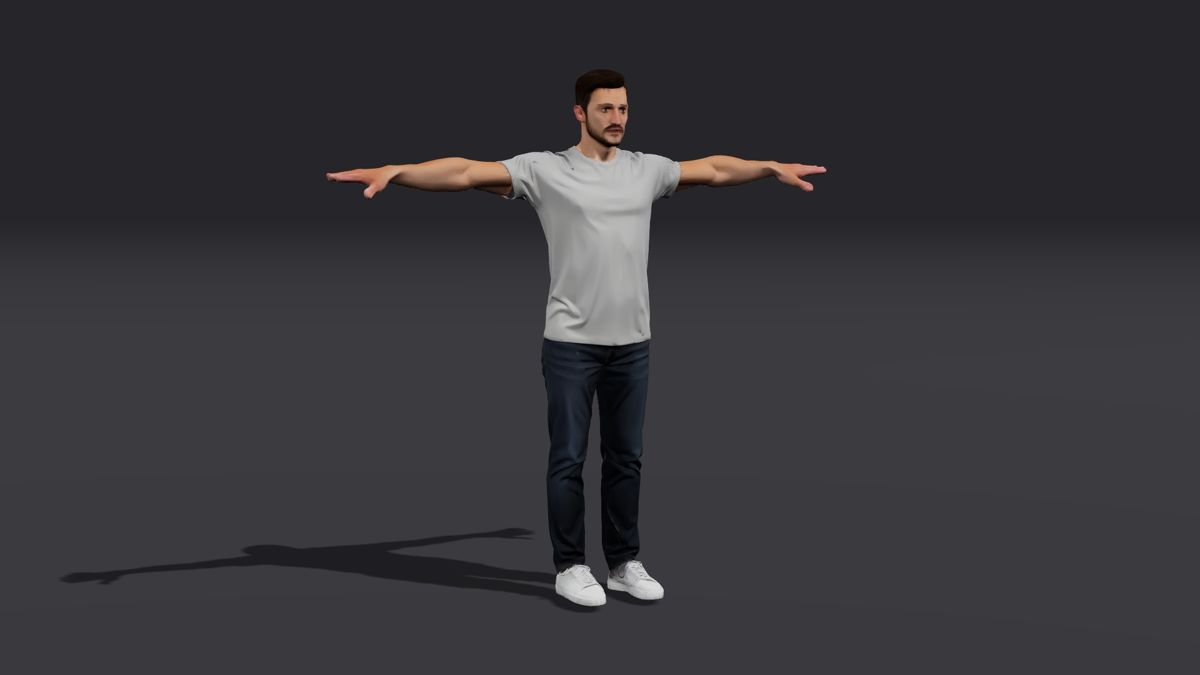
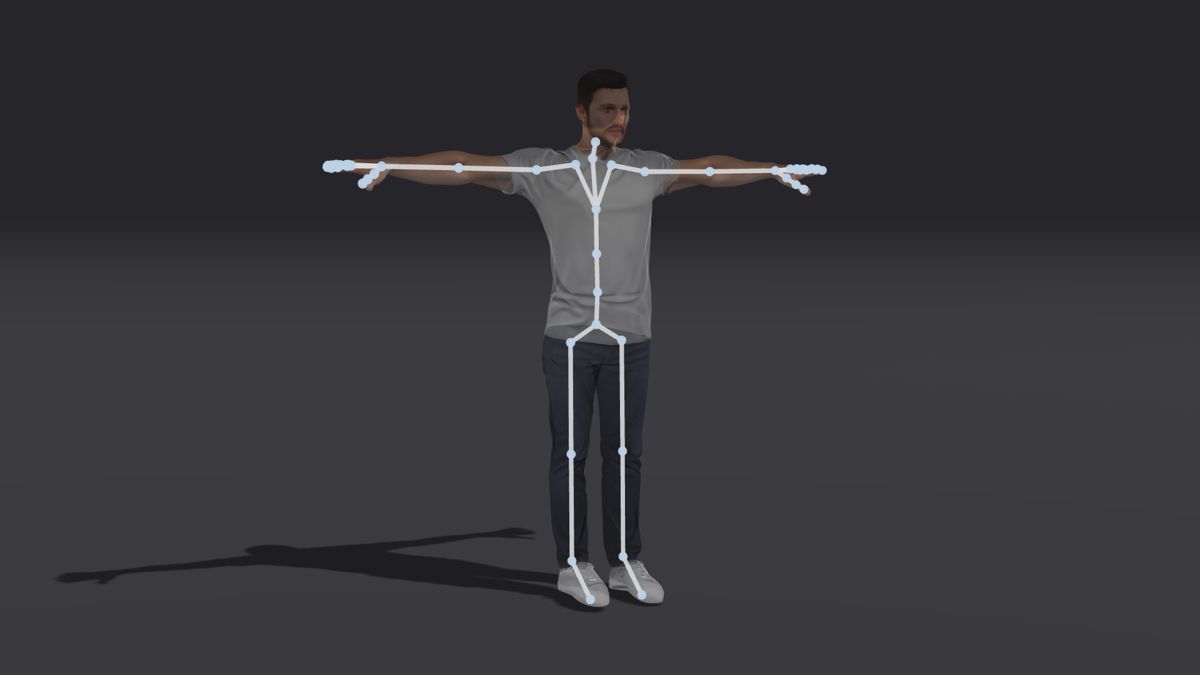
The whole job runs in one place. Upload a compatible FBX or GLB humanoid character and use auto-rigging if it needs a skeleton. Generate motion from video or text, then apply it to the character through motion retargeting and export FBX, GLB, or BVH. The viewer below shows one source motion on two characters, and the stills show a mesh before and after rigging.
Review the rig overlay, joints, and movement on each character. Mesh geometry, proportions, rest pose, and skeleton suitability affect the result. Start with representative assets before scaling a workflow across a character collection.

The same source motion, retargeted by Uthana to two compatible character rigs.
Plask documents a REST API for video mocap and a realtime pose stream. Uthana’s GraphQL API covers the character pipeline as well as capture: create an API key, generate motion from video or text, rig and upload characters, and download motion retargeted to each one, all on the same balance as the web app. The same tools are available to AI assistants through Uthana’s MCP server.
The web app and API share one credit balance. Use the API quickstart, auto-rigging documentation, and retargeting documentation to plan the integration.
Take ten minutes of motion in a month. Plask’s Standard plan includes 10 minutes for $18 a month, billed annually ($216 a year), and its free plan includes 15 seconds a day. Uthana bills Video-to-Motion per second of output motion: assuming 600 seconds of output, Video-to-Motion 3.0 at $0.06 per second is $36. On that annual plan, Plask costs less for steady monthly volume. For occasional paid usage beyond free-plan limits, Uthana avoids a subscription commitment: a 30-second clip is $1.80. New accounts get $5 of free credit. See current pricing for rates.
On an annual plan, Plask costs less for steady monthly capture. The reasons to choose Uthana are flexible spending, character preparation, text-to-motion, and developer access. You also get more ways to find the right motion: search Uthana’s studio-grade motion-capture library in plain language, generate a new performance with Text-to-Motion, reconstruct reference footage with Video-to-Motion, and automate character preparation and retargeting through the API.
No. Uthana is independent and is not affiliated with Plask.
There is no plan to choose. New accounts get $5 of free credit. After that, Uthana is pay as you go, with no subscription and no minimum.
Yes. Upload a bipedal humanoid in FBX or GLB. If it has no skeleton, auto-rigging adds one for $0.15, and motion is retargeted to it.
No. Video-to-Motion works from single-person video. For several people in one clip, Plask Motion supports multi-person capture.
Yes. Uthana’s GraphQL API is self-serve and uses the same credit balance as the web app. An MCP server is available for AI assistants.
If you want to stage a scene, set cameras and lighting, and render video in the browser, or capture live into Blender or Unreal, Plask Motion offers those. If you want motion files for your own engine or animation tool, Uthana exports FBX, GLB, or BVH retargeted to your character. Uthana does not include a scene editor or live capture.
Test Uthana with a short clip and a character you actually use. Preview the motion, check the retargeting on your character, and export it into your workflow. For platform integrations or larger volumes, talk to Uthana.